Four Things That Changed in ChatGPT Images 2.0: Usable Resolution and Generating from the CLI
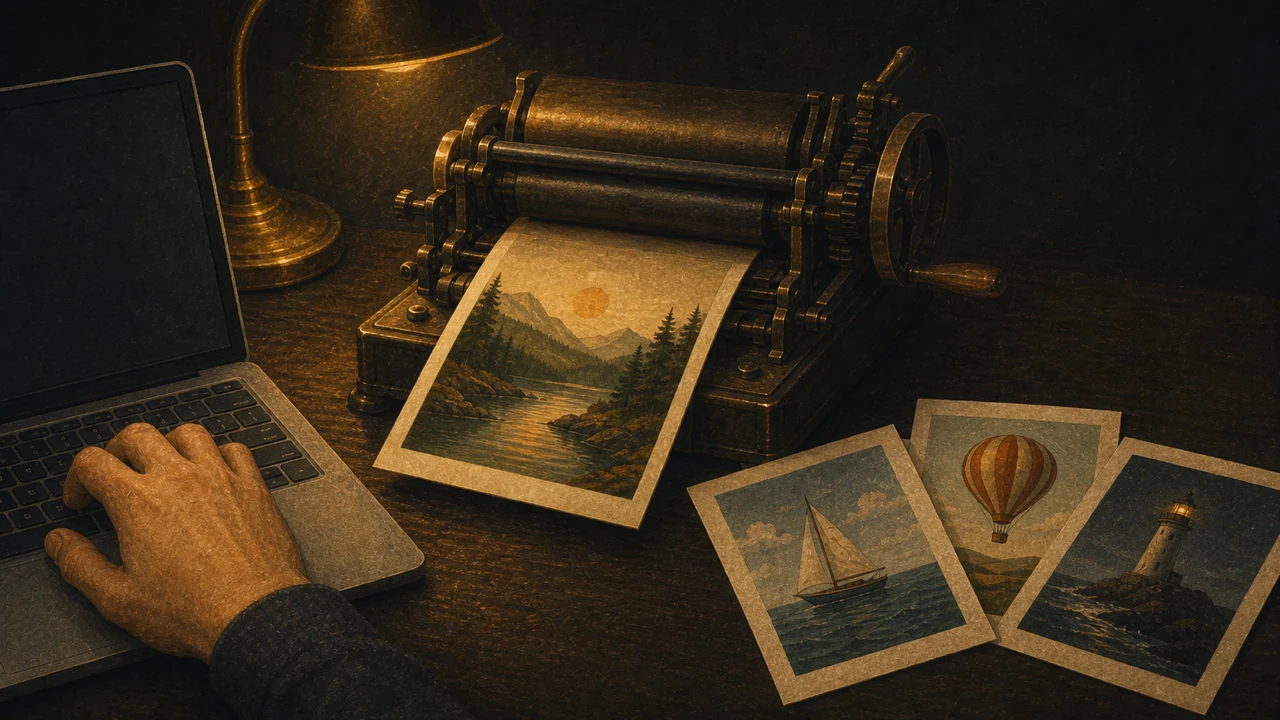
ChatGPT Images 2.0 arrived on 22 April 2026. Image generation in ChatGPT had felt like a side feature until now; this release moved it into practical use. Here are the four improvements that mattered in my own testing.
1. Resolution you can actually use
Maximum output is 2048×2048px — large enough to produce a Full HD thumbnail directly, which removes the step of running the result through an upscaler afterward. Not abandoning an image because of its resolution is the first real improvement.
2. Editing by saying what to remove
If something unwanted appears in a generated image, describing it is enough: remove the character in the top left. Retouching of this kind used to vary a lot in effort depending on the tool, and being able to fix it in the flow of the conversation is a substantial advantage.
3. Text is rendered properly
Text has been the traditional weak point of image generation, and it improved here. Japanese text in particular is now rendered correctly enough to use, which had not been true before. Even if you set the headline type in Photoshop, letting the model handle the smaller text in the image is now realistic — and it makes finishing a thumbnail without moving between tools possible.
4. Generating images from the CLI through Codex
This is the one I consider most important. Through Codex, the agent aimed at developers, you can generate images from the command line.
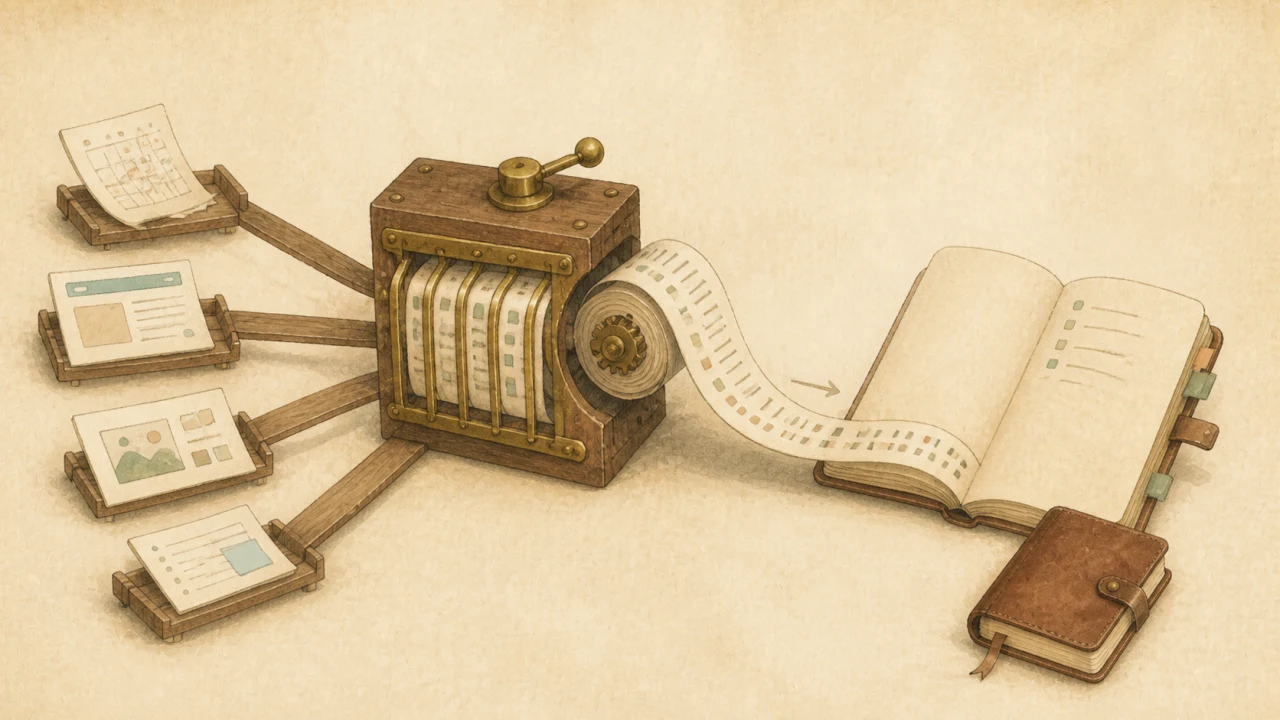
Point it at the Markdown file of a draft written in Obsidian and ask for a thumbnail that suits the text. The model reads the draft and generates an image to match. You can also have it search for reference images first and then generate. That completes a writing workflow where finishing the draft and asking for the thumbnail happen in the same place.
Where this leaves things
Dedicated tools such as Midjourney keep their own strengths, so you will still switch between them. But having images finished inside the assistant you already use is powerful. Icon sets, turning photographs into illustrations — the range of uses keeps widening with what you think to ask for.
Features and specifications are as of April 2026.
This article is adapted for AI Jiten from testing notes originally published on the author’s blog, Delaymania.