A Second Brain with AI and Obsidian Is Becoming Real: Six Months In
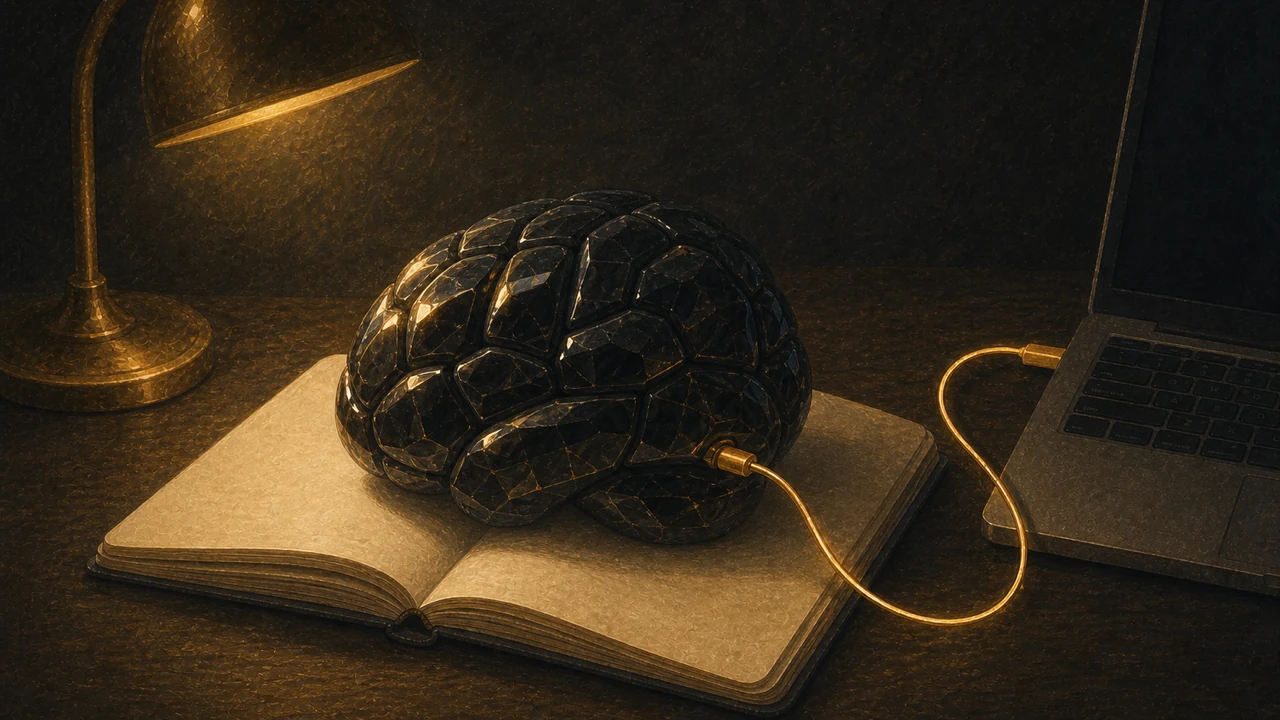
There is a term for it: a second brain. The idea of accumulating knowledge in notes rather than in your memory, and putting it to use — popular back in Evernote’s heyday. What I never managed to see through then has finally started to work, through the combination of AI and a note app. That is my honest impression after six months.
I have spent about six months pairing an AI coding agent (Codex) with the note app Obsidian. This is a mid-term report on what happens when you multiply them together, rather than on how convenient each is alone.
The premise: dump things into Obsidian carelessly
Obsidian stores notes as Markdown files locally, on your own machine. Being local files is the core of why it works with AI. Agent-type AI can read files on your computer directly, so the notes you have piled up become reference material for the AI as they are.
What I pile up: work logs, ideas as they occur, URLs of articles that caught my eye with a line of comment, one-line diary entries. All thrown into that day’s note, as carelessly as possible. Not letting note-taking become a chore is the top priority; organizing can be left to the AI later.
Benefit 1: “Do it like last time” now works
Repeat tasks were where I first felt the effect. Because the past work logs exist, a vague instruction along the lines of “do that one like last time” gets through.
For social media, keeping past posts in notes means handing over an idea for a new post is enough to get something written the way I would write it. Having it consult small local files is more reliable and faster than a chat AI’s history feature — that is what using both taught me.
Benefit 2: careless notes become the seeds of the next thing
The accumulated logs also become material for new content. An idea jotted down in passing gets expanded by the AI into a blog topic or a video script. Throwing things in carelessly and having them brought up to a usable standard later is more comfortable than I expected.
Records from running an event were a good example. With the preparation sequence, what was requested from the designer, what to bring, and what went wrong all in notes, next time is one sentence: make me a preparation list that takes last time’s problems into account.
Benefit 3: invoicing runs on one-line notes
Quietly effective is the invoicing side. Leave a daily one-line note — client, project, one hour, what was done — and at the end of the month ask the AI to total it up. The barrier to recording is lower than my old spreadsheet, and the totaling is automated.
In summary: the road to an assistant is not finished
After six months, the cycle of piling up careless notes and having the AI use them as context has genuinely started turning. The goal is being able to use AI as an assistant, and that is still only half done. Even so, this is the closest I have come to the second brain I imagined in the Evernote era. If you are choosing a note app, Obsidian on the premise of combining it with AI is worth recommending.
This article is adapted for AI Jiten from testing notes originally published on the author’s blog, Delaymania.