You Do Not Have to Organize Your Diary: Reusing One-Line Obsidian Notes with Codex
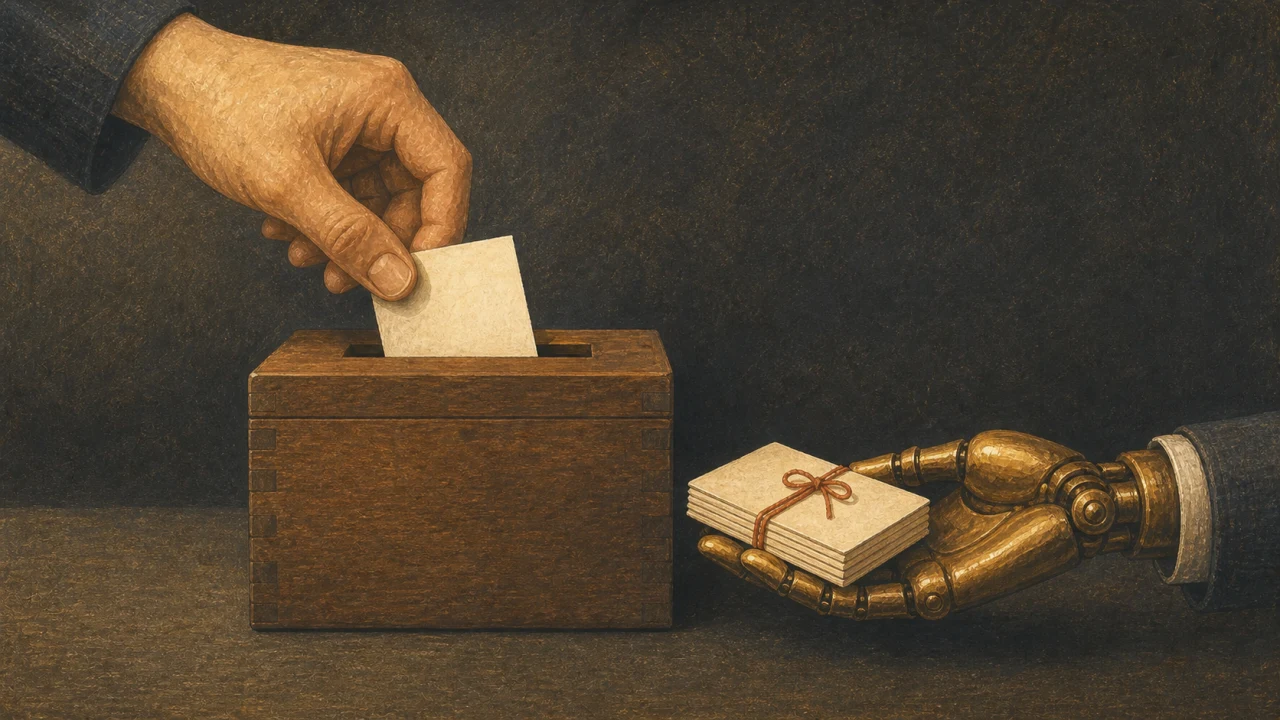
The harder you try to keep notes tidy, the more likely you are to stop keeping them. I settled on leaving large numbers of single-line records in a per-date note in Obsidian.
This article reworks notes from the early days of that routine, published on 9 February 2026, presented as a record dated 10 February 2026. The six months that followed are covered in a mid-term report on growing a second brain with AI and Obsidian.
One line is enough
What I keep: work logs, ideas that occurred to me, news that caught my attention, what I ate, how the day felt. I do not separate them by type; everything is appended to that day’s note in the order it happened.
- Spent an hour on client A’s top page
- Thought of an idea for the image-prompt generator
- Look into Remotion later
- The AI model I tried today was good at organizing long text
Not thinking about categories or tags up front is what keeps the cost of recording low.
Ask an AI to organize it when you need it organized
An AI that can read local files, such as Codex, can gather information across the per-date notes.
For example:
- List everything I wrote about Remotion this month, with dates
- Total up the work logs I need for invoicing, by client
- Pick ten untouched notes that could become articles
- Turn last month’s reflections into a checklist for this month
You do not need to know what a note is for at the moment you write it; it can be rebuilt into another form later. This is the big difference from a paper diary or a notebook you can only search.
On iPhone, use a single inbox
Choosing between fine-grained folders on a phone is tedious. Anything I write on the iPhone goes into a single inbox, and I sort it out on the Mac later.
The sync method can be iCloud or whatever suits your setup, but watch out for simultaneous edits and sync conflicts. Keep a backup of important notes somewhere else as well.
Separate what you do not want an AI to read
A diary easily picks up personal information and client information. When handing a folder to an AI agent, limit what it may read, and keep confidential material out of the same store.
“It runs locally, so anything is safe” does not follow. Check where the AI you use sends data, what permissions it has, and where its logs are kept.
Do not organize anything in the first week
To start, a week of writing one line per day into a per-date note is enough. After that week, ask an AI to “split these seven days into work, ideas, and life” and the value of recording becomes something you have felt rather than been told.
Confirming that messy records are usable later is easier to sustain than building the perfect taxonomy first.
References
- Delaymania: keeping a diary in Obsidian makes it easy to pull back out with Codex
- Obsidian official site
- OpenAI: Codex developer commands
Official sources checked on July 20, 2026.