What Makes ChatGPT Image Generation Useful: From Article Text to Featured Image, Paired with Codex
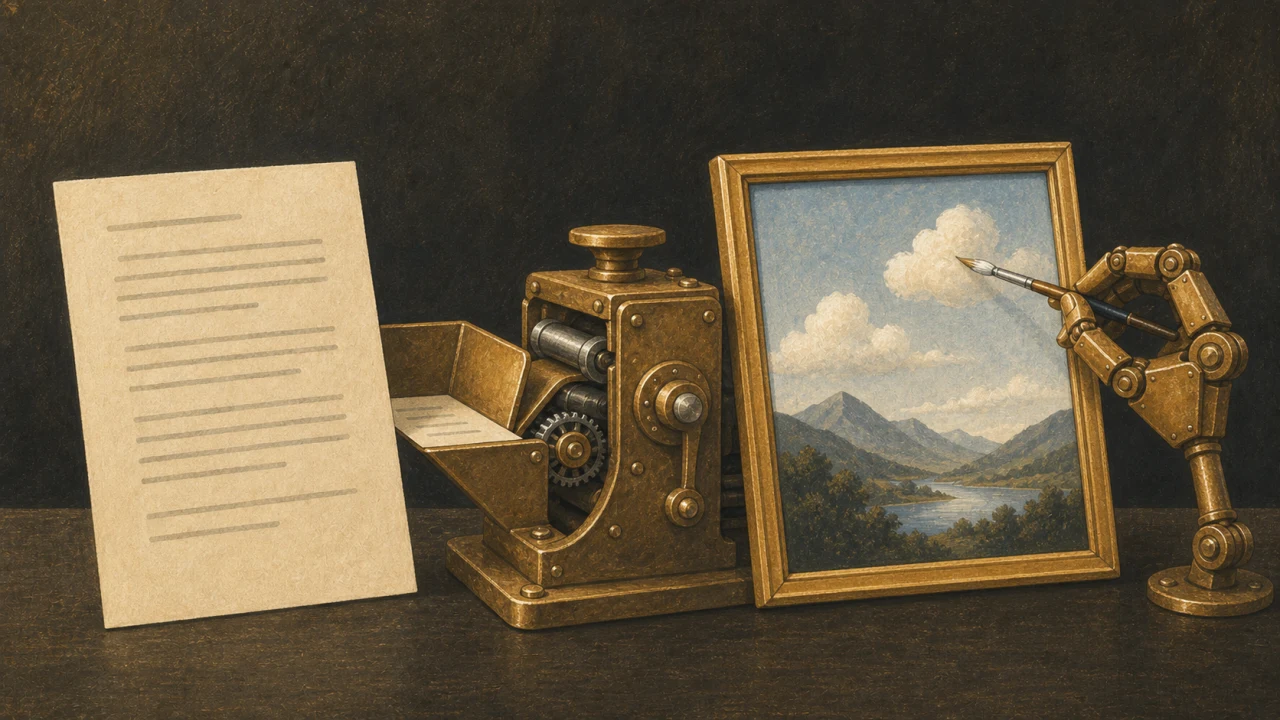
The text is finished but no idea for the featured image will come. Pairing ChatGPT’s image generation with Codex turns reading the article and saving the image into a single flow.
The original article covered “ChatGPT Images 2.0” in April 2026 — usable quality, partial edits, Japanese text rendering, and generating from Codex. Current official documentation presents this as image generation within ChatGPT and Codex, covering editing with reference images as well as generation.
The strength is not having to get it right in one shot
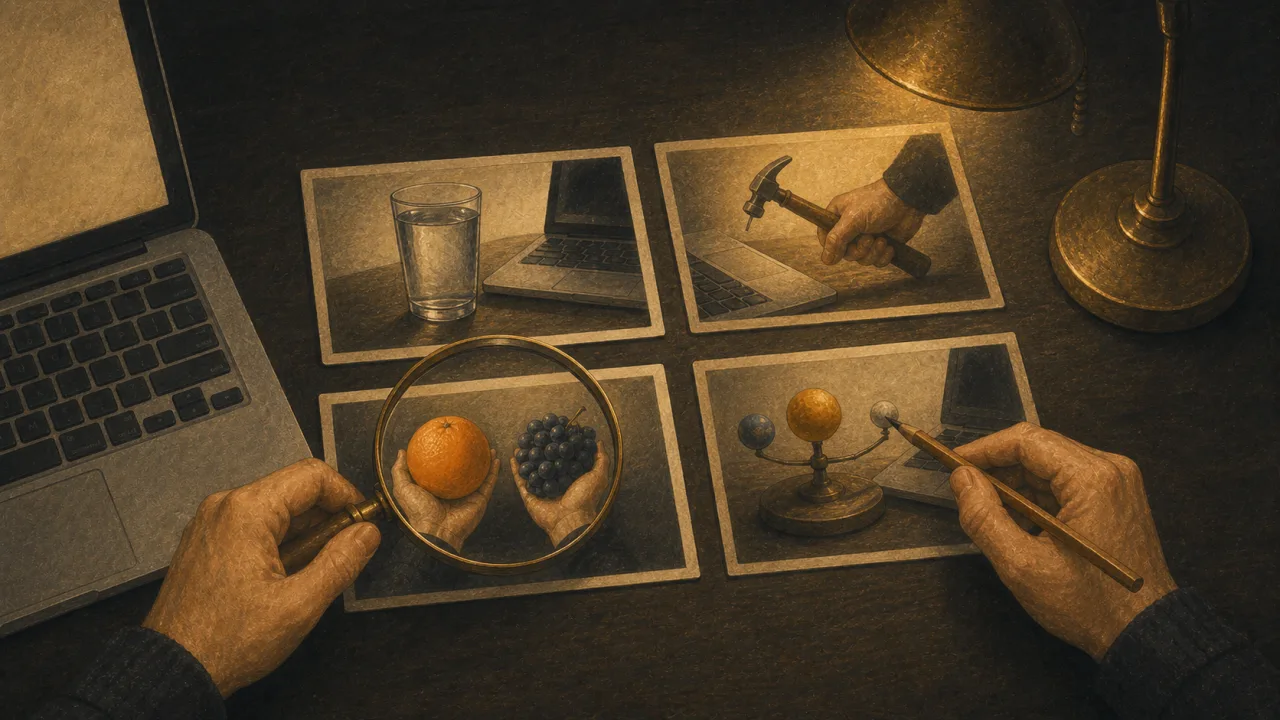
If the first image contains something unwanted, you can ask for that object to be removed while the composition and color stay as they are. You can also attach another image as a reference and match only the texture while changing the content.
When choosing an image service, how easily repeated conversation brings you closer to your goal matters as much as how good the first result looks. Images for a blog have to be adjusted for how they will be used: distinguishable in a list, croppable, with space for text.
Pairing with Codex lets it think directly from the article
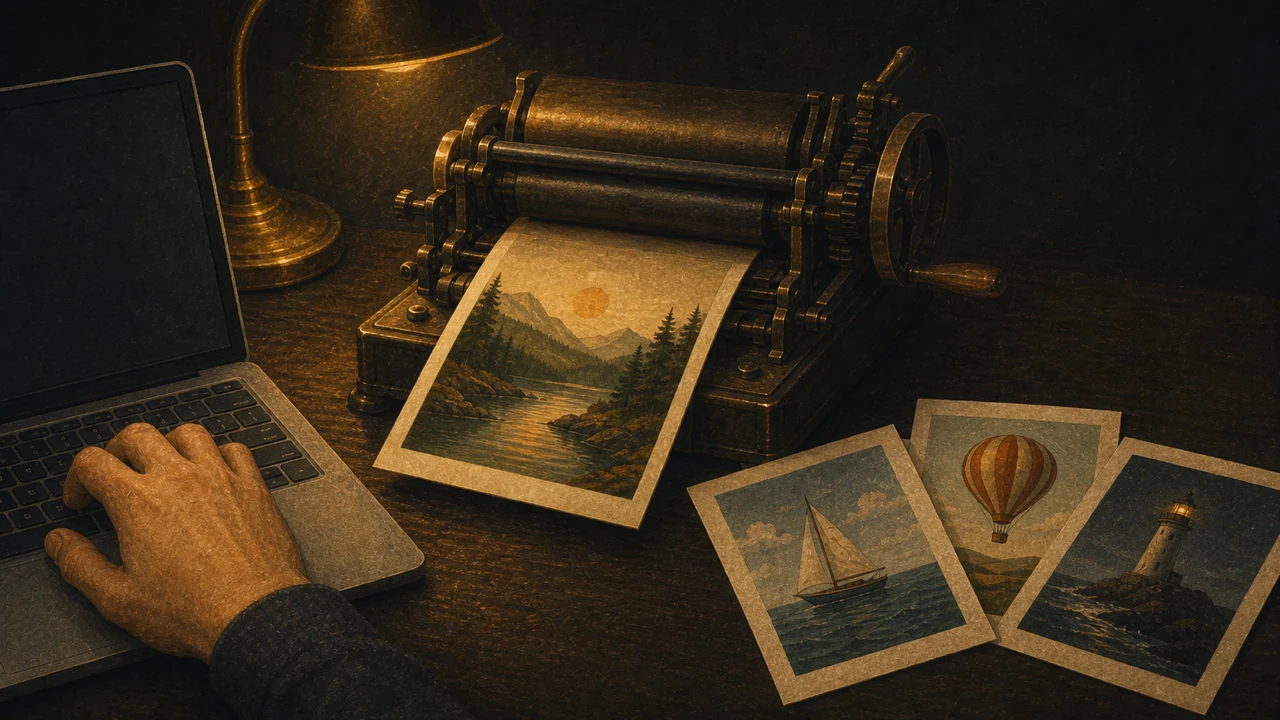
Codex can read the Markdown or HTML in your working folder and work out image ideas from the article’s content. Asking it to read the article and translate it into a single familiar metaphor produces something other than a literal illustration of the title.
Codex now has image generation available, covering banners, backgrounds, illustrations, and UI assets. Attaching a reference image to match the visual style is possible too.
The basic route to a featured image
- Finish the article and put the single thing you most want to convey into one sentence
- Turn that into one metaphor using an object or a scene
- If you use an existing image as a reference, say it is a reference for texture, not content
- Specify what you do not want: faces, text, logos, unnecessary props
- After generating, check brightness, what the subject is, and whether it stands out in a list
- Convert to the size you need and add alt text that describes it
When you are putting the prompt together, the AI Image Prompt Maker on this site can help.
Text rendering improved, but always re-read the output
Text inside images is easier to produce than before, but leaving long sentences, small type, or proper nouns entirely to the model is risky. For a featured image where the text matters, generating only the background and adding accurate text afterward in a design tool such as Photoshop is a sound approach.
If you are using a likeness of a person, a logo resembling an existing brand, or a composition close to a copyrighted work, check the rights and licensing. Before publishing, review not only whether it reads but whether you may use it.
In summary: image generation moves from a lottery to an editing task
ChatGPT’s image generation is more useful thought of as a production environment where referencing, correcting, and saving all happen in conversation, than as a tool for producing one image. Pick one past article, decide on a single central metaphor, and make a featured image for it.
References
Official sources checked on July 20, 2026.