What Is ChatGPT’s Computer History? Can It Reduce Re-Explaining Work in New Sessions?
On August 13, 2026, OpenAI announced Computer History for the ChatGPT macOS app. The optional feature records activity from apps and websites you select, allowing later interactions with ChatGPT and Codex to reference that activity.
One of the most tedious parts of using AI, in my experience, is having to explain what I have already been doing every time I start a new session. Even when it makes sense to split a long conversation, I still need to restate the project’s goal, where I stopped yesterday, and what remains unfinished.
For me, Obsidian has been one way to solve that problem. When decisions and work history live in my own notes, I can let AI read them again at the start of a new session. If Computer History can automate the stage before that, it could be extremely useful.
It is important, however, not to interpret this as “ChatGPT now remembers everything on your computer.” This article looks at what Computer History does and does not record, how it differs from Memory and Obsidian, and where its privacy boundaries need to be set.
Computer History carries activity from apps and websites into later AI interactions
According to OpenAI’s official release notes, Computer History is an optional feature in the ChatGPT app for macOS. It allows ChatGPT and Codex to reference selected activity from apps and websites.
| Area | What OpenAI has confirmed |
|---|---|
| What it references | Interaction events from apps and websites selected by the user |
| Where it can be used | ChatGPT and Codex |
| What it does not record | Screenshots, screen recordings, microphone input, or system audio |
| What is excluded | Activity in private browsing |
| User controls | Pause Computer History, choose included apps and sites, and inspect or delete timeline items |
| Default state | Off; the user must opt in |
The important distinction is that this is not a system that continuously stores your screen as video. It deals in interaction events: when you did something, which selected app or site was involved, and what kind of work took place.
That does not mean it learns nothing about the substance of your work. In OpenAI’s demo, the timeline describes activities such as sharing a launch checklist and reviewing exceptions in a sales tracker. The recorded events contain enough information to describe what happened, so choosing the scope carefully still matters.
OpenAI’s demo turns yesterday’s activity into a stand-up update
In the video posted by OpenAI on X, the user invokes “@computerhistory” in the composer and asks it to draft a stand-up update based on what they did the previous day.
The Computer History timeline shows work from multiple apps with timestamps. ChatGPT then organizes that activity into three sections:
- Work completed
- Work in progress and what comes next
- Blockers
This makes Computer History more than a timeline you look through manually. It can become context for daily reports, handoffs, and next-action lists. The demo also shows a suggestion to automate a recurring review of the activity.
What could become easier in a new session?
A new session does not automatically contain the full text of every conversation that came before it. Even with ChatGPT Memory and past-chat reference enabled, OpenAI notes that ChatGPT does not retain every detail from previous chats.
Computer History matters because it can bring in not only what you told the AI, but also what you actually did on the computer.
- Which materials you reviewed and which files you worked on yesterday
- How far a project progressed across several apps
- What you were doing when you stopped
- Where to begin when you resume today
In a fresh session, for example, you could ask it to review yesterday’s activity for a project and produce a short briefing for resuming the work. That could remove a large part of the setup explanation.
Computer History does not guarantee that it will always select the right event or understand the reasoning behind every past decision. OpenAI describes it as requiring less explanation, not eliminating explanation altogether. Important assumptions and long-term project direction still deserve a more durable home.
How Computer History differs from ChatGPT Memory and Obsidian
These three systems are better understood as complementary. They remember different kinds of context.
| System | What it mainly remembers | Best suited to | Where it is weaker |
|---|---|---|---|
| ChatGPT Memory | Preferences, goals, and ongoing context shared through conversations | Avoiding repeated explanations about who you are and how you prefer responses | It does not preserve every detail from past chats |
| Computer History | Work events from selected apps and websites | Reviewing yesterday’s work, drafting updates, and resuming in a new session | It is not a permanent ledger of reasoning and finished knowledge |
| Obsidian | Notes, sources, decisions, and links you intentionally save | Long-term knowledge, project direction, and reusable material | Work you do not write down will not be captured automatically |
ChatGPT Memory is strongest at remembering what kind of person you are and what sort of responses help you. Computer History is more concerned with what you have been doing recently.
Obsidian is not automatic, but the result stays in human-readable Markdown files under your control. Your decisions, sources, and production history remain available even if the behavior of an AI service changes.
Computer History does not make Obsidian unnecessary—it can reduce the work before note-taking
Even if Computer History works well, I do not think it removes the need for Obsidian. The two could make recording work less burdensome when used together.
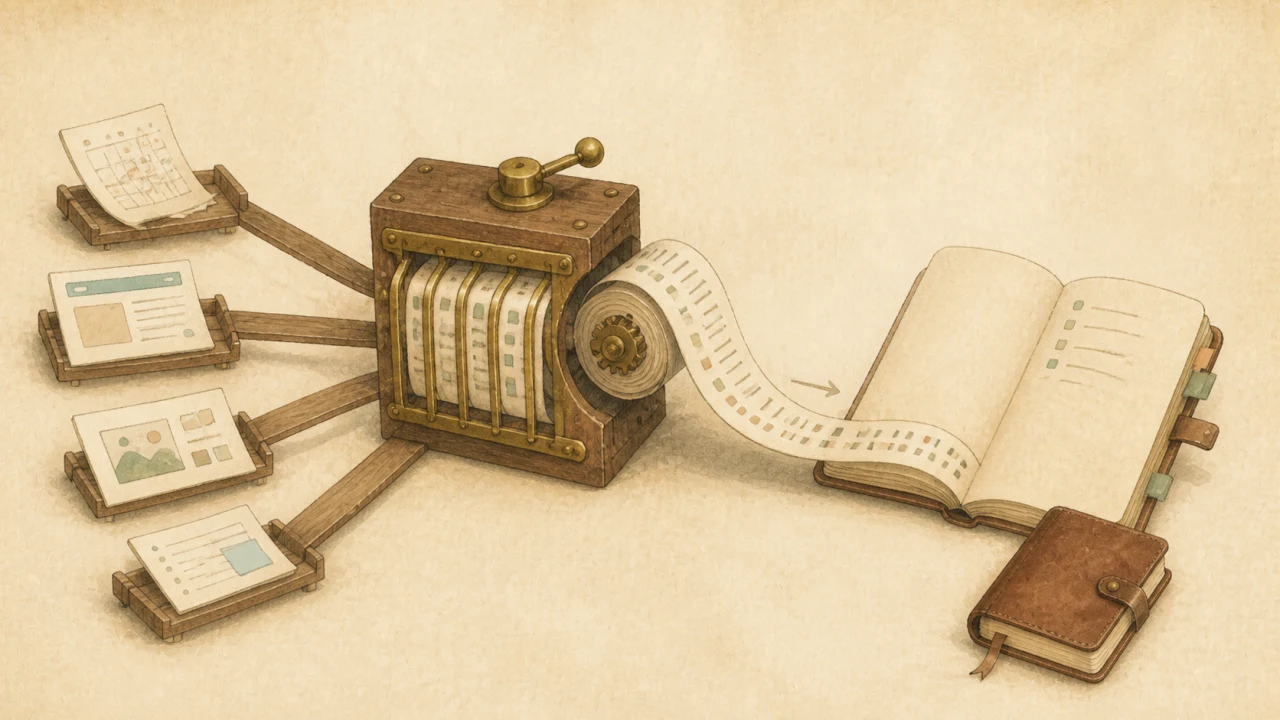
- Computer History collects what happened: It gathers events such as opening material, editing something, or sharing a result.
- ChatGPT or Codex summarizes what changed: It sorts the activity into completed work, work in progress, blockers, and next steps.
- Obsidian preserves why it happened: You keep only the important decisions, conclusions, and reusable knowledge as a durable record.
Instead of manually writing a diary of every action, Computer History can provide the first draft and a person can decide what deserves to be kept. That lets Obsidian serve as a home for decisions and knowledge rather than a warehouse for raw activity logs.
For more on how I use Obsidian as reusable context rather than merely an organized archive, see “Six Months of Codex and Obsidian: A Second Brain Grows on Reuse, Not Organization.”
Five prompts I want to try with Computer History
- A briefing for resuming yesterday’s work: “Summarize what I did on this project yesterday and the first thing I should do today.”
- A progress update: “Turn yesterday’s activity into three sections: completed, in progress, and blocked.”
- A project-specific review: “List only the work related to this project from the past week, in chronological order.”
- A check for dropped work: “Find work I stopped midway and have not resumed yet.”
- An Obsidian daily note: “Turn today’s activity into Markdown with decisions, unfinished work, and tomorrow’s first action.”
The final example does not mean Computer History automatically saves files to Obsidian. You would either save the generated text yourself or explicitly ask ChatGPT or Codex to write it through a file workflow you have authorized.
Plans and regions
As of August 14, 2026, OpenAI lists the following availability conditions:
- Computer History is a feature of the ChatGPT macOS app.
- It is available to ChatGPT Pro, Business, and Enterprise users.
- Plus, Free, and Go are not listed as supported plans.
- For Business and Enterprise, an administrator must grant access before members can opt in.
- It is not currently available in the EEA, the United Kingdom, or Switzerland.
Japan is not on OpenAI’s list of unavailable regions, so it appears to be supported. The release notes do not explain whether the feature appears for every eligible account at the same time. If you are on a supported plan but cannot find it, first update the ChatGPT macOS app and check whether Computer History appears in settings.
The feature is off by default. Even when opting in, it makes sense to begin with only the apps and sites needed for work continuity rather than enabling everything at once.
Convenience requires a boundary around what gets recorded
Computer History does not store screen recordings or audio, but activity events themselves may still reveal clues about confidential work.
- Apps containing client names or unreleased projects
- Personal messages and email
- Financial, medical, or HR websites
- Screens involving passwords or authentication information
- Material covered by a nondisclosure agreement
Private browsing is excluded, but that does not necessarily mean a sensitive page opened in a regular browser is excluded automatically. A sensible workflow is to narrow the included apps and sites, pause the feature when needed, and regularly inspect the timeline to see what it has retained.
OpenAI’s release notes confirm that users can inspect and delete timeline items. As of August 14, however, the public announcement does not establish a Computer History-specific retention period or exactly how detailed every interaction event may be. Check the in-app explanation and current data controls before enabling it.
For a broader approach to deciding what information to share with AI, see “Before You Paste Personal Data into ChatGPT: A Three-Layer Guide to Temporary Chat, Anonymization, and Permission.”
AI Jiten’s view: this is less “an AI that never forgets” and more “an AI that is easier to resume with”
The real value of Computer History is not that an AI remembers everything about a person. It is that it can reduce the friction of pausing work, moving to a fresh session, and returning the next day.
Keeping one session alive indefinitely adds context, but the conversation can become slower and important details can be buried. We previously covered when to split long work in “Why Codex Tasks Slow Down: When to Split Long Conversations and How to Hand Them Off.” Until now, the handoff still had to be prepared manually.
If Computer History can retrieve the most recent work, the “what did I do yesterday?” portion of that handoff can become much shorter. The person still needs to preserve what the project values and why a particular direction was chosen.
Let Computer History collect the trail of work, and let Obsidian hold the decisions worth keeping. That division can make new sessions easier to start without placing all of your long-term knowledge inside one AI service.
Summary
- Computer History is a macOS feature that lets ChatGPT and Codex reference interaction events from selected apps and websites.
- It does not record screenshots, screen recordings, microphone input, or system audio, and private browsing is excluded.
- It can organize recent activity in a new session and reduce how much work context needs to be explained again.
- It is available to ChatGPT Pro, Business, and Enterprise users and is off by default.
- Users can choose included apps and sites, pause recording, and inspect or delete timeline items.
- It is not a replacement for Obsidian, but it could produce a useful first draft of the work log you want to preserve.
What appeals to me most is not simply that the AI may know more. It is that I may be able to start a fresh session without paying such a large setup cost. I want to begin with a small number of work apps and see how accurately Computer History can help me resume.
Sources checked August 14, 2026
- OpenAI on X: Computer History announcement and demo
- OpenAI Help Center: ChatGPT Release Notes — Computer History for macOS
- OpenAI Help Center: Memory FAQ
Computer History is a newly released feature. Supported plans and regions, recorded data, and setup controls may change, so check official OpenAI documentation and the explanation inside the app before enabling it.